Food Nutrition Calculator: A Guide to Accurate Portions
How can you estimate the nutrients in a serving of food? A calculator for food nutrition combines a food entry with the amount you enter, then scales the listed values. Its answer is only as useful as the match between that entry and what you actually eat.
A no-cost nutrition calculator can be a practical starting point, especially when it identifies its data source and permits entry by weight. First choose the food and its preparation, then enter the edible portion. Review the result as an estimate rather than an exact laboratory measurement.
Free Nutrition Calculator: Start With the Right Food
A food nutrition calculator may offer many entries for the same ingredient: raw, baked, boiled, with skin, without skin, or prepared with added fat. Those descriptions matter. A cooked weight paired with a raw entry can give a misleading result because cooking changes the amount of water in the food.
The USDA FoodData Central database is a free source of food composition information, including reference and branded data. It is useful for checking a food description and source when a no-cost tool for calculating nutrition provides them. The database contains different data types, so compare an entry’s details with your food rather than choosing the first familiar name.
For a packaged item, compare the brand, product name, and serving size with the current package. Recipes and labels change, and a database entry may not match the product in hand. For a basic ingredient, look for the closest description of its state: for example, cooked chicken breast without skin rather than raw chicken or a breaded product.
Enter the portion you eat
A free nutrition calculator can only scale the quantity you supply. If possible, weigh the edible portion in grams: remove bones, peels, or other inedible parts first when the chosen entry describes edible food. If you use a household measure, check what weight the tool assigns to a cup, spoon, or piece. A loosely filled cup and a tightly packed one may not weigh the same.
For an example, the University of Rochester Medical Center lists about 138 calories, 31.3 grams of carbohydrate, 3.7 grams of protein, and 0.2 grams of fat for 148 grams of baked potato with skin and without salt. A 74-gram portion is half as heavy. Assuming the same composition, the estimate is about 69 calories, 15.7 grams of carbohydrate, 1.9 grams of protein, and 0.1 gram of fat.
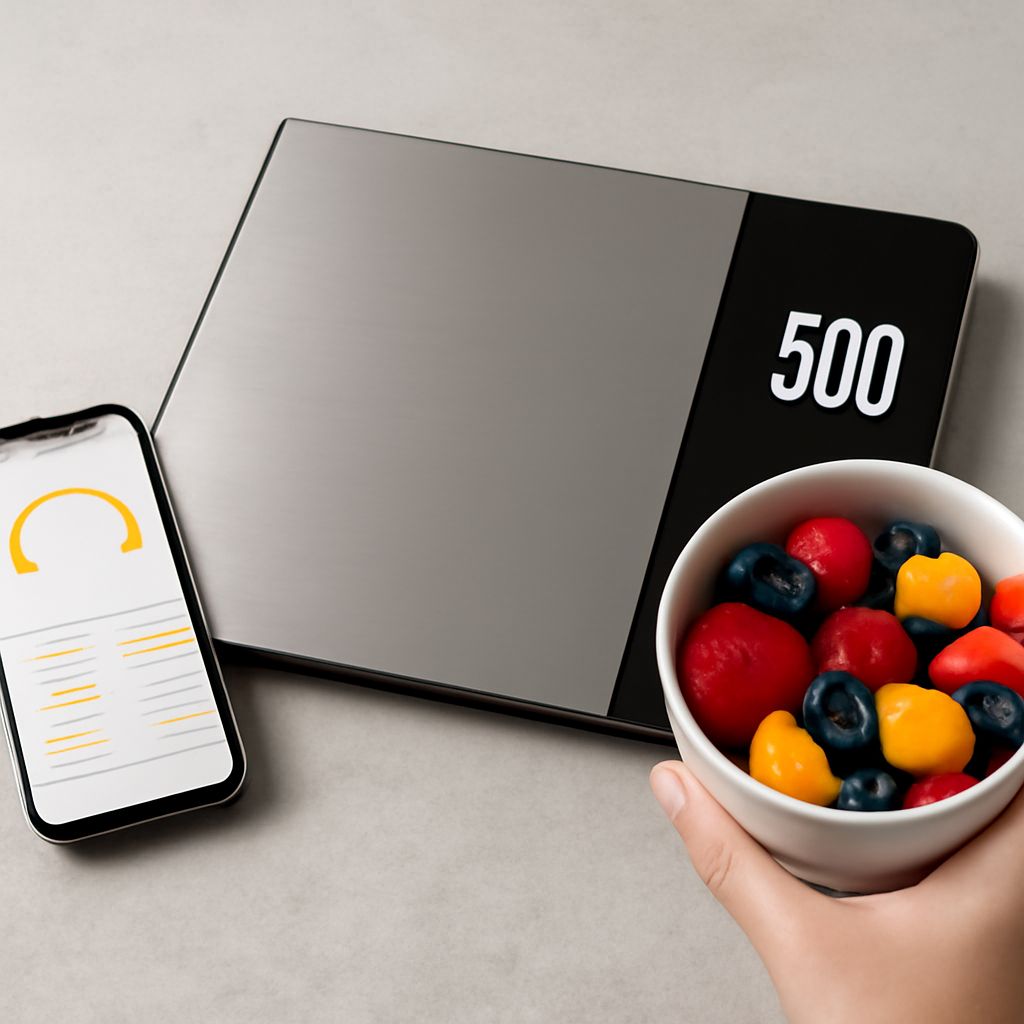
That arithmetic is what a basic nutrition counter performs when the reference serving matches the food. It does not account for butter, oil, or sauce unless those are entered as additional ingredients. A food scale can improve the portion estimate, but it cannot correct an entry for the wrong preparation or product.
Read calories and macronutrients together
A food macronutrient calculator typically shows protein, carbohydrate, and fat in grams, along with energy in calories. Macronutrients are nutrients the diet supplies in relatively large amounts; the displayed quantities describe the food or serving entered, not an instruction about what you personally need.
A calorie and nutrition calculator may also display fiber, sugars, sodium, or vitamins when its source supplies them. Fiber and sugars are included in total carbohydrate on US Nutrition Facts labels, so adding them to total carbohydrate would count them twice. Missing fields need care: an empty value can mean that data were not provided, not necessarily that the nutrient is absent.
A calculator for calories and nutrients in food can compare two portions when each entry describes the food accurately. For example, changing the baked potato from 74 to 148 grams doubles the estimated values before toppings. Comparing that plain portion with a prepared restaurant dish is less direct because the latter may contain oil, salt, and other ingredients.
Check labels and preparation
A Nutrition Facts label states the amount to which its values apply. If the package lists 40 grams and you eat 20 grams, use half the listed values. If it lists two servings and you eat the full package, use twice the per-serving values. The serving size is a reference for the label, not a recommendation that you must eat that amount.
A food nutrition calculator can be helpful for a recipe as well. Enter the ingredients and their amounts, estimate the cooked yield, and divide by the portions you actually make. If the tool calculates from raw ingredients, do not add the cooked ingredients a second time. Shared oil, sauce left in the pan, and uneven portions introduce uncertainty into the result.
A free nutrition calculator may use generic records, brand labels, or user-submitted entries. A free tool for estimating nutrients is more useful when it shows where the data came from and lets you correct the portion. An unpaid nutrition estimator may show two entries with the same short name that differ because one includes skin or added ingredients. Check the full description before assuming one result is wrong.
Treat the result as an estimate
Foods vary naturally, cooking alters water content, and labels round some numbers. A database cannot know exactly how a particular ingredient was grown, cooked, or served. Restaurant dishes can be especially difficult to estimate if the recipe and portion weight are unavailable. A reasonable range may be more informative than a highly precise number.
A free calculator for nutritional values can support a comparison without making every meal an accounting exercise. Choose the level of detail that suits your purpose, and remember that the whole meal includes more than the one item entered. If your question concerns a medical condition or a prescribed diet, a registered dietitian or other qualified clinician can help interpret the information in context.
Before using the result, check that the entry names the right food and preparation, the amount represents the edible portion, and the source is identifiable. Then review any additions separately. Those few checks make the estimate easier to understand and compare.