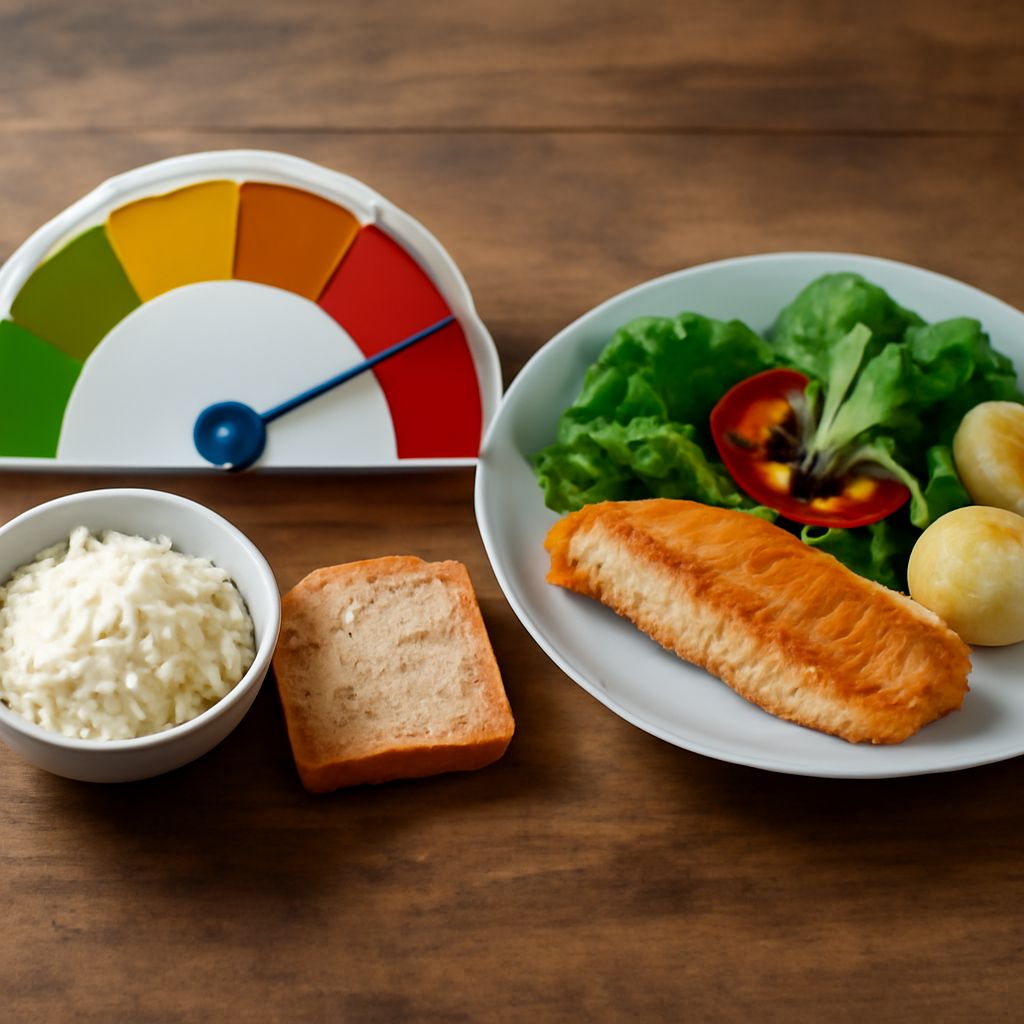
Glycemic Index Calculator: What the Numbers Can Tell You
A food’s glycemic index cannot be calculated from its carbohydrate label. It comes from measured blood glucose responses; a tool for calculating glycemic index can look up a tested value, but it cannot establish that value from the label alone. A calculator for glycemic load uses that index together with the carbohydrate in the portion actually eaten.
What the index measures
The glycemic index, or GI, describes how a carbohydrate-containing food affects blood glucose relative to a reference food under standardized conditions. In the University of Sydney’s explanation of testing, participants eat a portion containing a specified amount of available carbohydrate, and their blood glucose responses are compared with responses to the same amount of carbohydrate from glucose. Results from participants are averaged to obtain a food’s GI.
That measurement is a property of the tested food under the test conditions, not a measurement of your personal response to a meal. Variety, processing, ripeness, and preparation can matter. A glycemic index calculator that supplies a number is generally using a stored value or a proxy for a similar food; it is not conducting the human test. Look for the source and the description of the food before treating a lookup made with a GI calculation tool as an exact match.
A GI value does not describe the size of the serving on your plate. The test standardizes the amount of available carbohydrate to compare foods; the amount eaten in everyday life can be different. This is where the calculation of glycemic load, or GL, becomes useful.
Glycemic Load Calculator: The Inputs Behind the Answer
GL combines the food’s GI with the grams of available carbohydrate in the particular portion. The University of Sydney gives the relationship as:
Glycemic load = GI × grams of available carbohydrate per serving ÷ 100.
Available carbohydrate is the carbohydrate that can be digested and absorbed. On a typical US Nutrition Facts label, a practical estimate is total carbohydrate minus dietary fiber, scaled to the amount eaten. Check the label and the method used by the tool, especially for products with sugar alcohols or added fibers, where a simple subtraction can be less reliable. Do not subtract fiber again if the source already reports available carbohydrate. This GL estimate is not a basis for calculating medication doses; the American Diabetes Association recommends total carbohydrate for diabetes carb counting.
A glycemic load calculator needs both a matching GI value and a portion-specific carbohydrate amount. A number entered as the weight of the food is not automatically the number of grams of carbohydrate. For example, a serving weighing 100 grams can contain water, protein, fat, and fiber as well as available carbohydrate. Enter the carbohydrate amount, not the whole food weight, unless the tool explicitly asks for the latter and performs the conversion.
Work through an example
Suppose a tested food has a GI of 40 and the portion you plan to eat contains 20 grams of available carbohydrate. These are hypothetical inputs chosen to show the arithmetic, not values for a particular product.
- Multiply 40 by 20 grams: 800.
- Divide by 100: the estimated GL is 8.
- If the portion doubles to 40 grams of available carbohydrate and the GI is assumed unchanged, the estimated GL doubles to 16.
This illustrates how to calculate glycemic load without a load calculation tool. The GI stayed the same because the hypothetical food and its preparation stayed the same; the load changed because the serving changed. A glycemic-load estimating tool should produce the same results from the same inputs. Differences can arise when it uses another portion, a different carbohydrate figure, or a different GI entry.
For a real food, use a GI calculator to find a tested value that describes the product and preparation as closely as possible. Then use a label or a credible food database to estimate available carbohydrate for the amount served. If a label gives a smaller serving than the one you eat, scale its carbohydrate and fiber figures before applying the formula. A food scale measures the portion, not its carbohydrate.
What online tools may assume
One glycemic index calculator may let you select a food, while another index calculator asks you to supply a GI. In either case, inspect the entry: a cooked version may differ from a raw or differently prepared version, and a generic listing may not represent a particular brand. If a food is absent, using a similar food in an index calculation tool introduces uncertainty instead of a newly measured index.
A glycemic load calculator may also assume a standard serving. Change that amount if it differs from your plate, and check whether the tool uses total or available carbohydrate. A calculator for the load of a food is only as informative as its inputs: if the source, preparation, and portion are hidden, the result is difficult to interpret or compare.
The distinction matters for mixed dishes. A tool for estimating the glycemic index of a meal may combine database entries and ingredient amounts, but cooking and the interaction of ingredients complicate the estimate. Calculating the glycemic load of a meal by adding estimates for its carbohydrate-containing ingredients is a practical approximation, not a direct measurement of the meal’s effect on one person.
Read the result in context
GI and GL describe aspects of carbohydrate response, not every quality of a food. They do not measure protein, vitamins, overall dietary balance, cost, or whether a meal is satisfying. Consider the estimate alongside ingredients, portion size, and the rest of the meal.
Individual glucose responses also vary. Medication, activity, health conditions, and other foods eaten at the same time can affect the response. A glycemic index calculator cannot predict an exact blood glucose reading or replace individualized guidance. A clinician or registered dietitian can help interpret the information in the context of a person’s health needs.
Before using a result from a calculator for GI or a load calculation tool, check the food and preparation, the GI source, the portion, and the grams of available carbohydrate. Treat the answer as an estimate, not a personal glucose prediction.
Related Posts

Healthy Donuts: A Delicious Way to Enjoy Nutrition

Snow Peas vs Snap Peas: A Nutritional Comparison